Complete PDF toolkit
Editing, conversion, OCR, merging, compression, and signing all in one program.
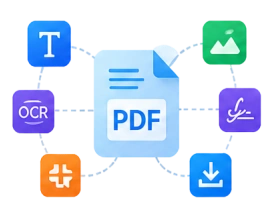
Read, edit, convert, merge, compress, and sign PDF documents quickly and conveniently while keeping the original formatting intact.
 PDF Conversion

Change text, images, and pages with ease.

Your documents stay neat and accurate after conversion.

Open and handle PDF files in just seconds.

Suitable for all kinds of daily document needs.
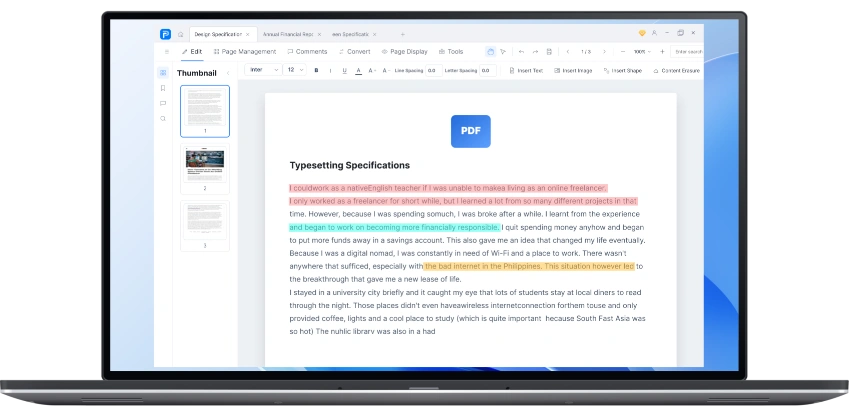
Modify text, images, and pages.
Convert PDF files to Word, Excel, PowerPoint, images, and other formats.
Recognize text in scanned documents.
Combine multiple PDF files into one document.
Reduce PDF file size without noticeable quality loss.
Add signatures and fill out PDF forms.
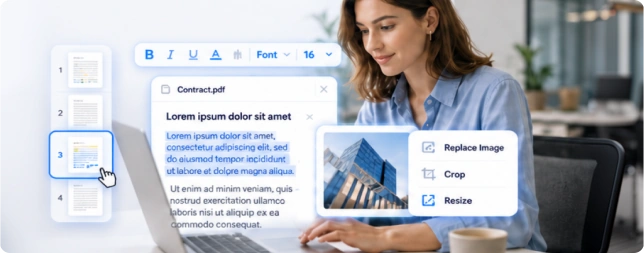
Change text, images, and pages without complicated tools.
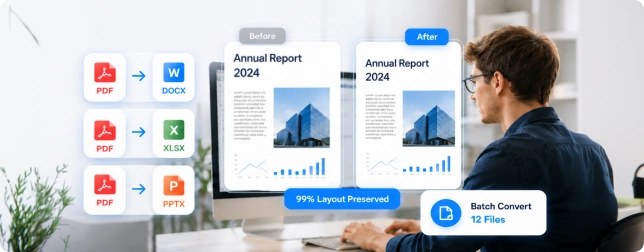
Documents keep a clean and accurate layout after conversion.
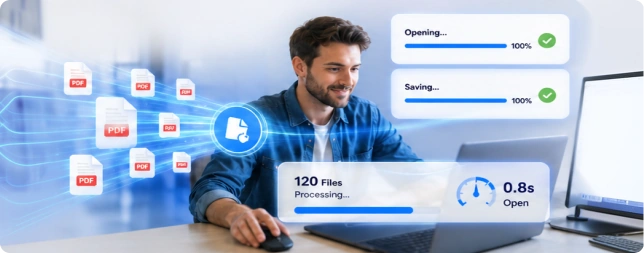
Open, edit, and save documents quickly, even large ones.
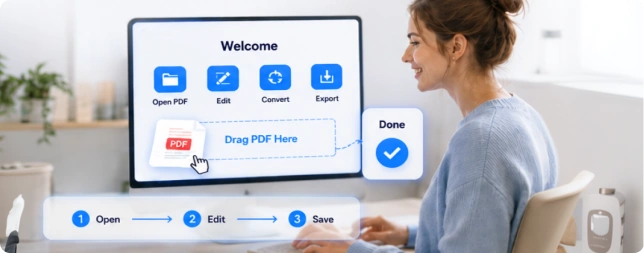
Start working right away without a long learning curve.
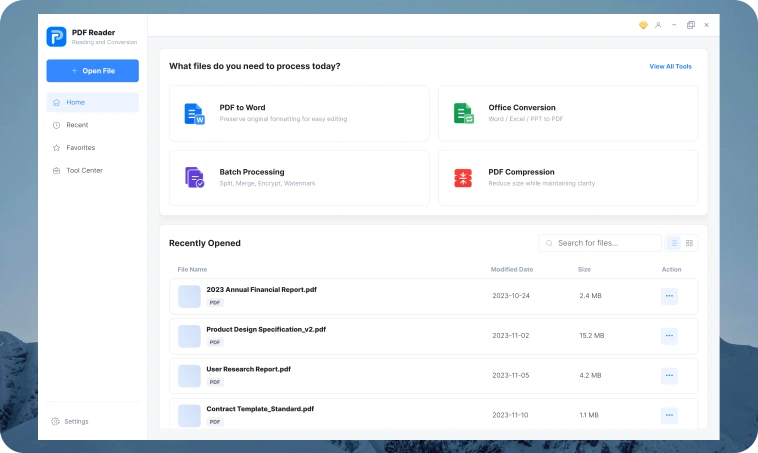
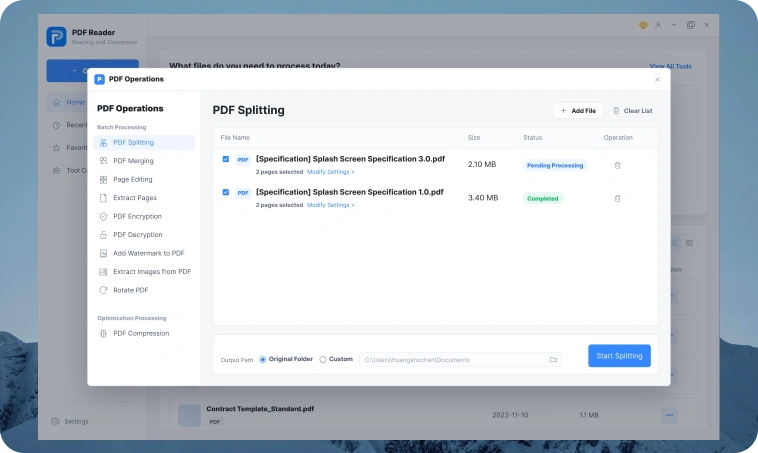
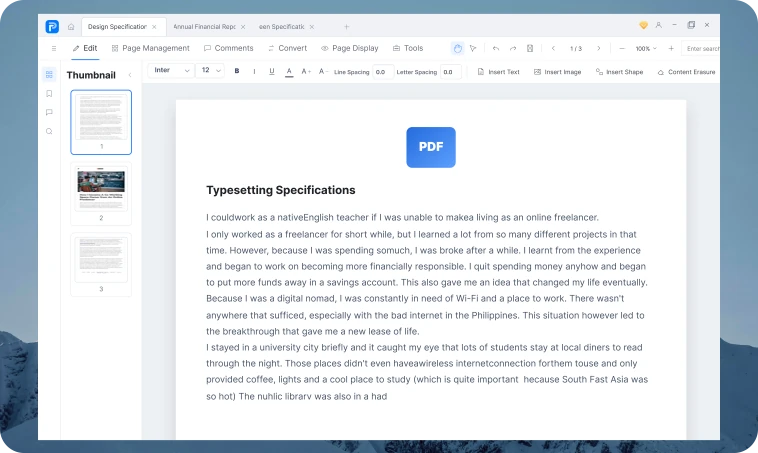
Editing, conversion, OCR, merging, compression, and signing all in one program.
Fonts, images, and document structure stay intact after editing and conversion.
Works quickly even with large PDF files.
Your documents stay on your computer.
Useful for contracts, reports, study materials, and many other document types.
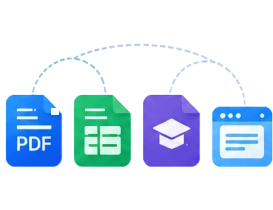
All key features are always within easy reach.
Edit, convert, and manage PDF documents at home, in the office, and while studying.
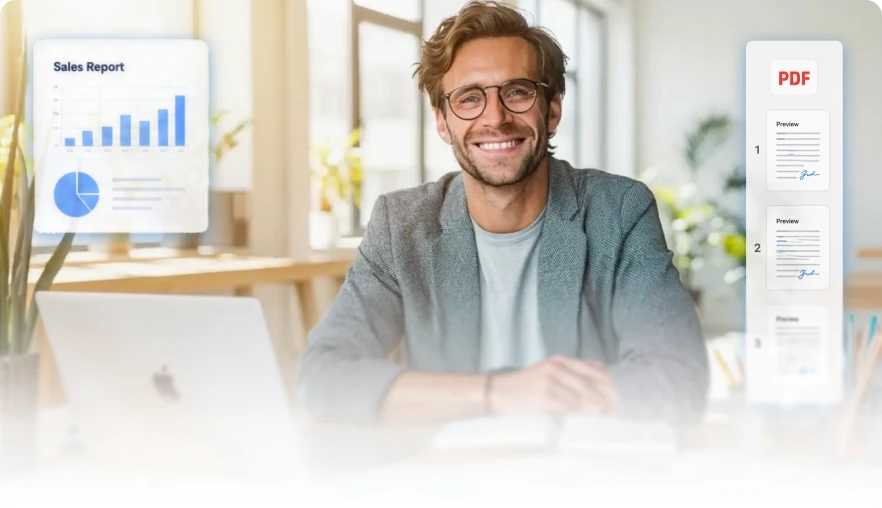
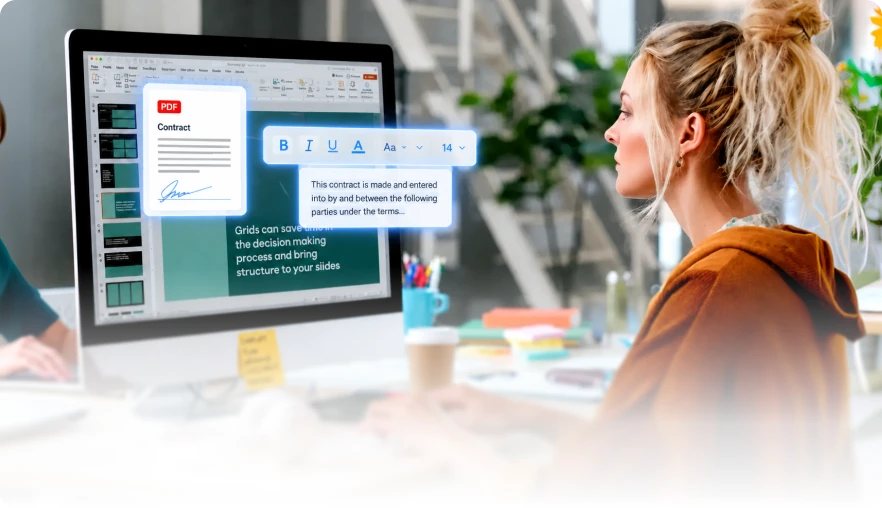
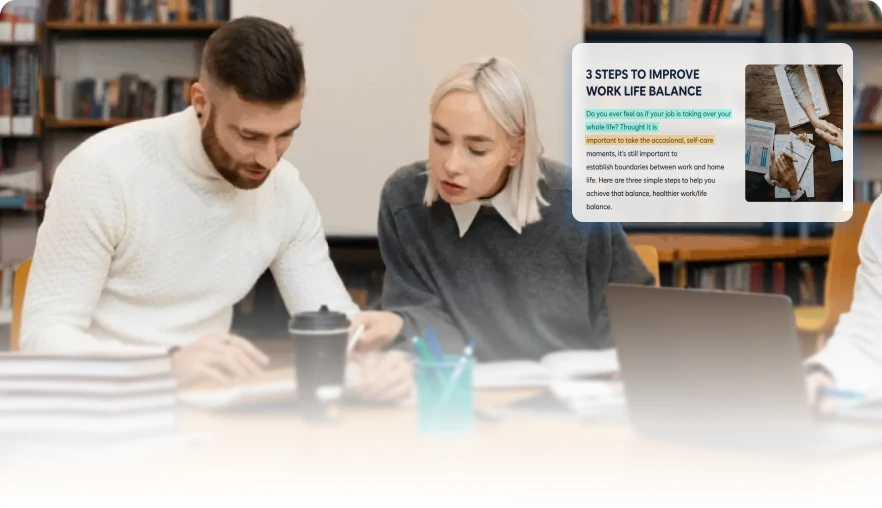
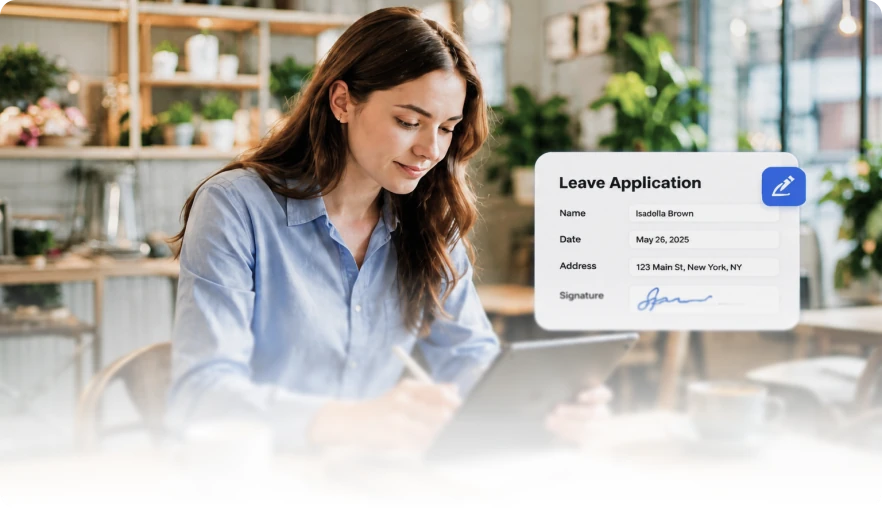
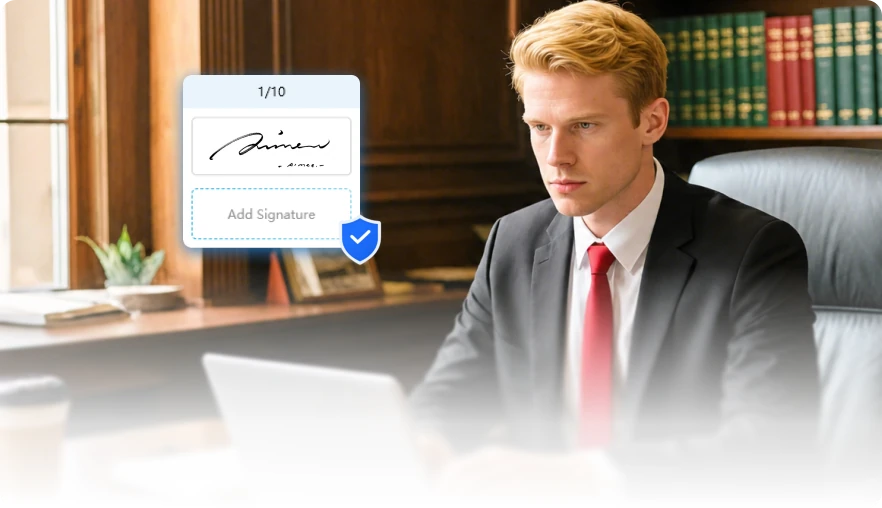
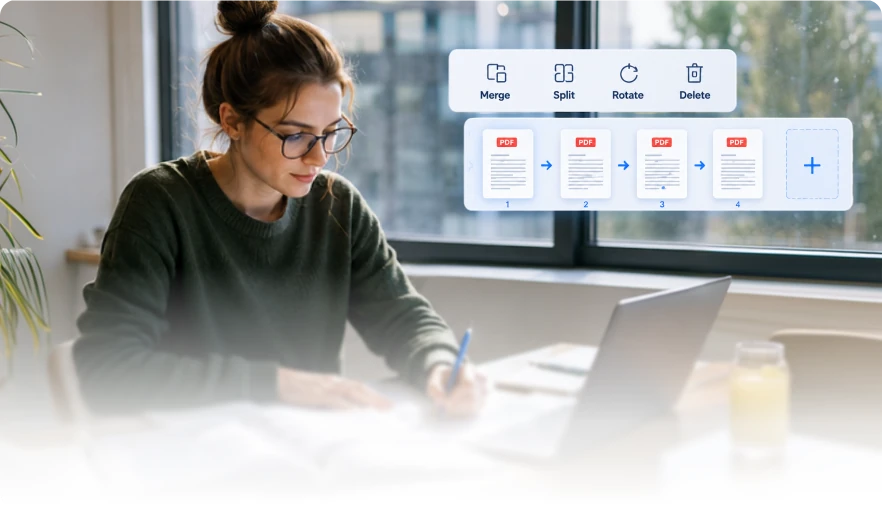
See why users choose our program for everyday work with PDF documents.


I really like that files are processed on the computer. It feels safe to work with important documents.

I used OCR for old scans. The text recognition was accurate enough, and then I could edit everything without extra steps.

I regularly compress large PDFs before sending them to colleagues. The file size gets smaller while the page quality stays almost unchanged.

It is convenient that editing, conversion, and PDF merging are all in one place. I do not need different services for every task.

The program works quickly even with large PDF files. The interface is clear, and I figured it out in just a few minutes.
I really like that files are processed on the computer. It feels safe to work with important documents.
I used OCR for old scans. The text recognition was accurate enough, and then I could edit everything without extra steps.
I regularly compress large PDFs before sending them to colleagues. The file size gets smaller while the page quality stays almost unchanged.
It is convenient that editing, conversion, and PDF merging are all in one place. I do not need different services for every task.
The program works quickly even with large PDF files. The interface is clear, and I figured it out in just a few minutes.
Answers to the most common questions about working with the PDF editor.
Yes. You can change text, images, links, and pages in a PDF document without recreating the file from scratch.
 PDF Editor
Edit, convert, merge, compress, and sign PDF documents quickly and conveniently in one program.
Free Download Regular updates Simple and user-friendly interface
Copyright © 2025 Wonderful Apps Limited.
 English
 Download