Edit Documents
Edit supported PDF text, add images, and organize pages directly in your document.
 Fionn PDF Reader
Fionn PDF Reader
Read, edit, convert, annotate and organize PDF documents in one easy-to-use Windows app.

Edit

Convert

Annotate

Organize

Compress

Protect
Free PDF viewing is included. Advanced tools require a paid plan.
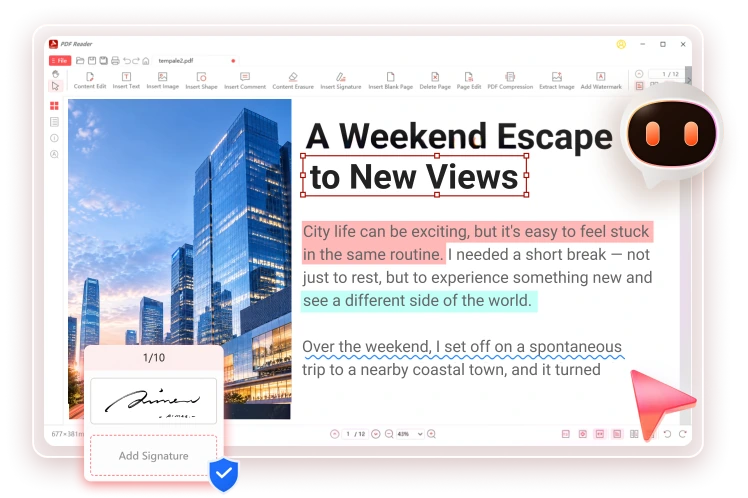
Handle everyday PDF tasks in one application, without switching between different tools.
Edit supported PDF text, add images, and organize pages directly in your document.
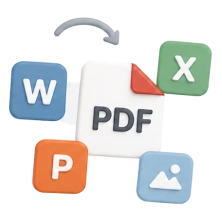
Convert PDFs to Word, Excel, PowerPoint, and images, or create PDFs from supported file formats.
Highlight text, add comments, apply signatures, and prepare documents for sharing.

Choose a task to see how Fionn helps you work with PDFs on Windows.
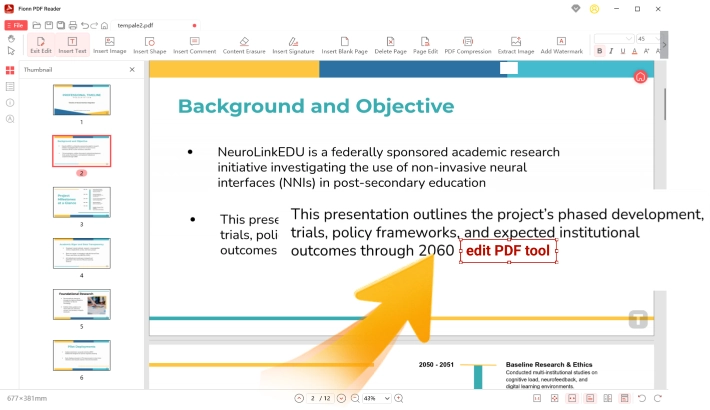
Add or update text, insert images, and adjust page content from a familiar Windows interface.
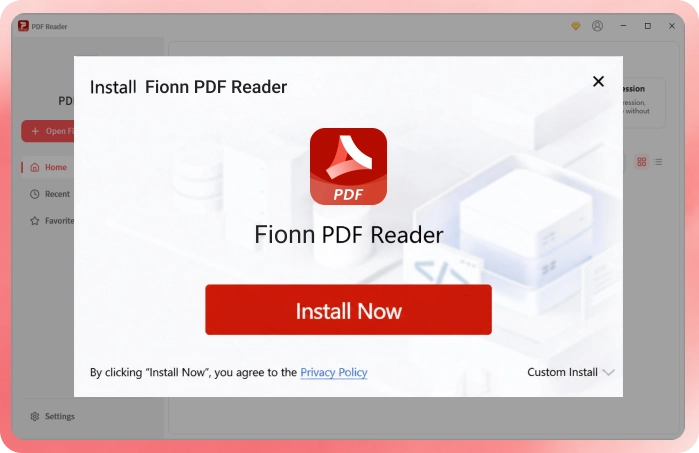
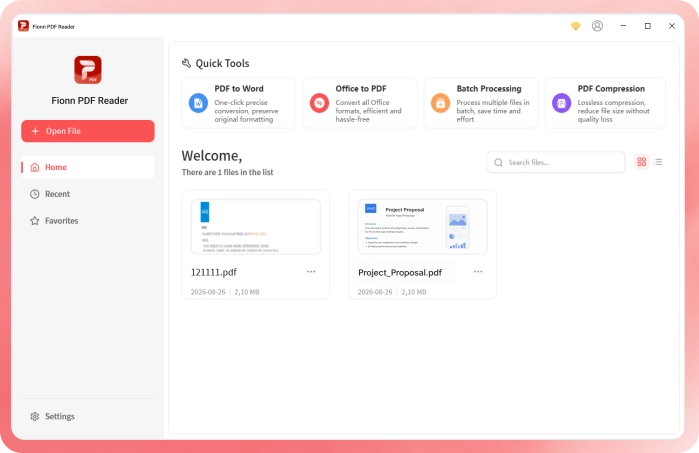
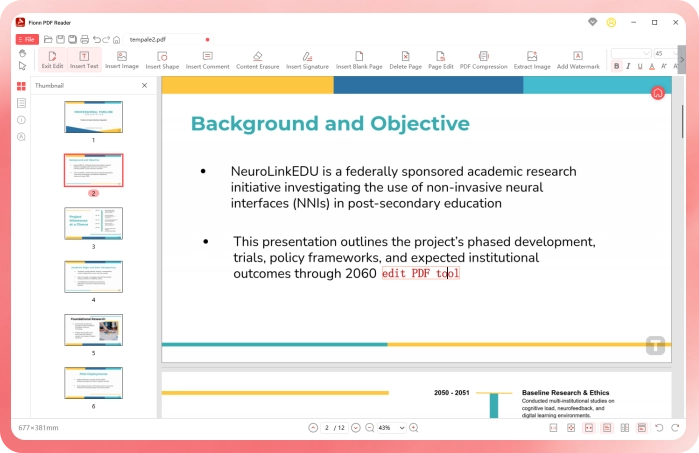

Review agreements, add comments, edit PDF content and prepare documents for signing.

Fill out forms, organize pages and convert business documents into shareable PDFs.

Highlight passages, add notes and search through long reading materials.
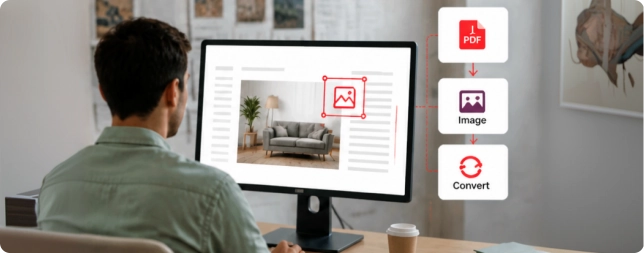
Review layouts, add visual markups and convert images into PDFs.
Fionn PDF Reader includes a free version for viewing PDFs and using selected basic tools. Advanced features require a paid plan.

Everything you need to read, edit, convert, annotate, and organize PDFs.
Copyright © 2025 Wonderful Apps Limited.
 English
 Download
 Free Download